Setting up Anki on Pop!_OS 22.04: A step by step guide

I'm a passionate software developer.
Anki
Anki is a program which makes remembering things easy. Because it's a lot more efficient than traditional study methods, you can either greatly decrease your time spent studying, or greatly increase the amount you learn.
Anki uses the spaced repetition concept, which is an evidence-based learning technique that is usually performed with flashcards.
Let's get down to business
Shall we?

Check your OS (optional)
This step is just to make sure you have Pop!_OS installed.
uname -a
hostnamectl
lsb_release -a
cat /etc/os-release
Output

Update packages info
sudo apt-get update
Running sudo apt-get update is an important step before installing or upgrading packages on your system because it ensures that you have the most up-to-date information about available packages.
Without updating the package index, you might not see the latest versions of software or be able to install new packages that have been added to the repositories since the last update.
Install requirements
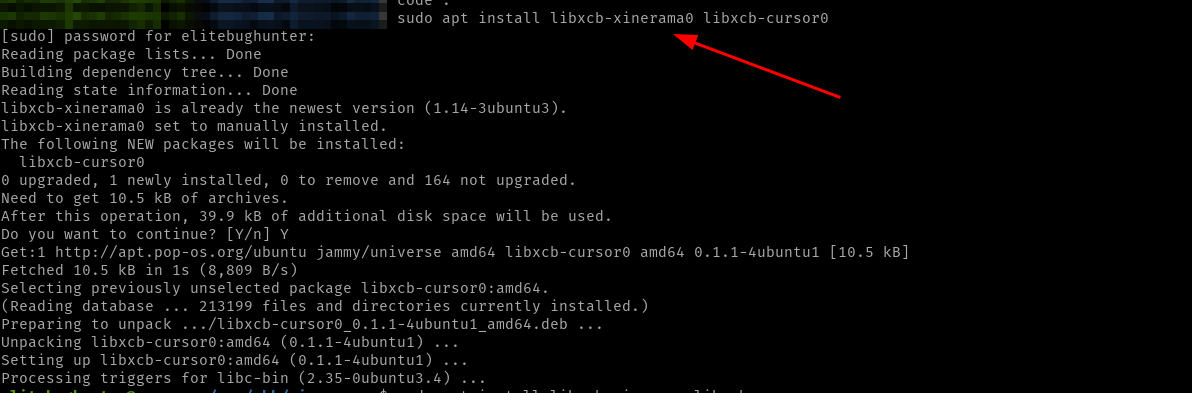
sudo apt install libxcb-xinerama0 libxcb-cursor0
Output
Download the installer
The official installer can be found directly here or you can check other alternate versions in this page.
Install zstd
Zstandard, often abbreviated as zstd, is a free, open-source, real-time compression algorithm. It is a fast lossless compression algorithm, targeting real-time compression scenarios at zlib-level and better compression ratios.
sudo apt install zstd
Output

Extract files from the downloaded installer
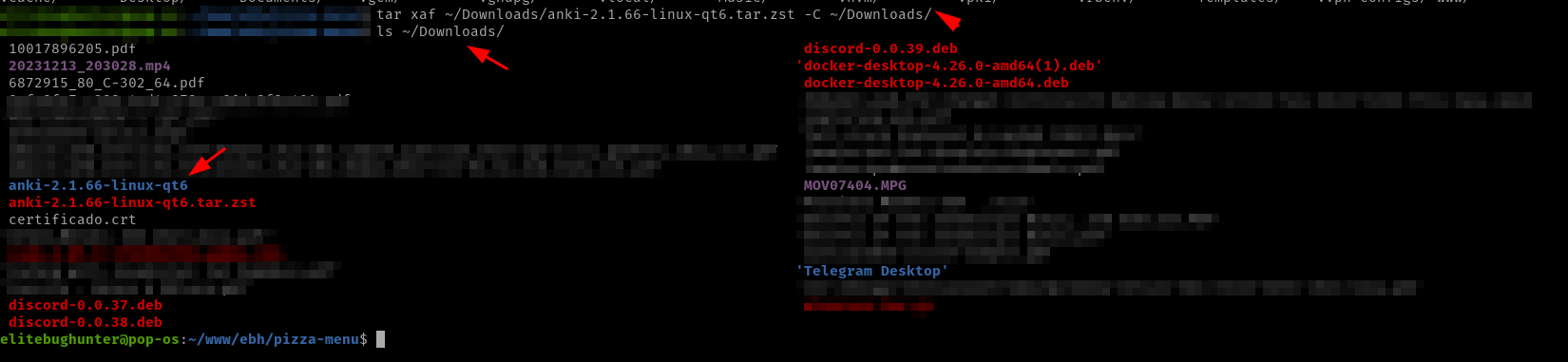
tar xaf ~/Downloads/anki-2.1.66-linux-qt6.tar.zst -C ~/Downloads/
Output
Output
The tar command is used for handling archives.
The x flag extracts files from an archive.
The a flag automatically determine the archive format based on the file extension.
The f specifies the archive file to work with. You should follow this option with the name of the archive file.
Execute the installer
cd ~/Downloads/anki-2.1.66-linux-qt6/
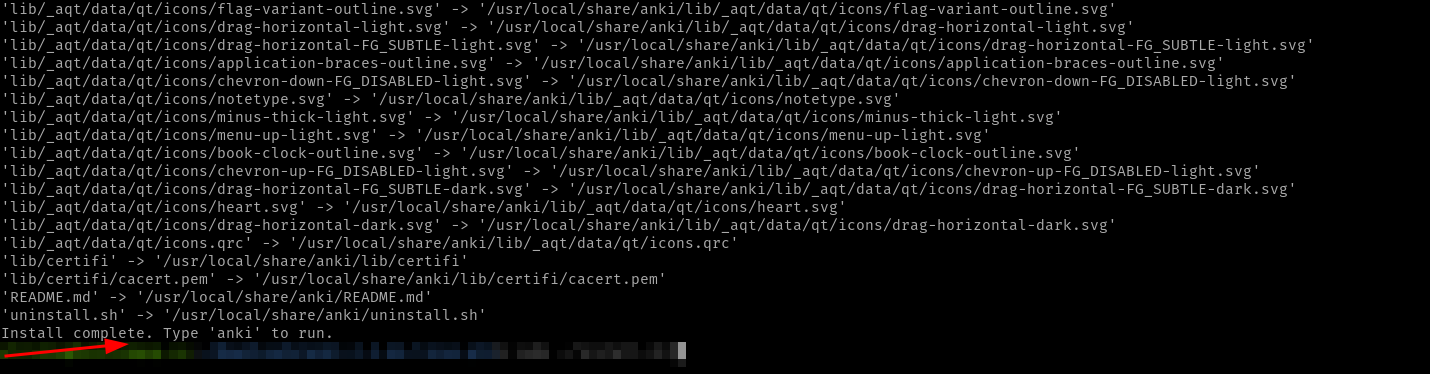
sudo ./install.sh
Output
Check installation
Version
anki --version
Output

Executable file's path
which anki
Output

Run after installation
anki
Output

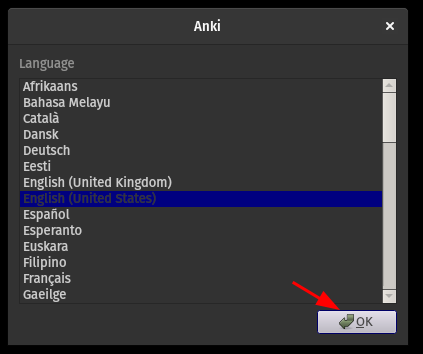
Configure Anki


Sync with your web account


Done
Celebrate

Reach me out
Final thoughts
Thank you for reading this article.
If you have any questions, thoughts, suggestions, or corrections, please share them with us.
We appreciate your feedback and look forward to hearing from you.
Feel free to suggest topics for future blog articles. Until next time!


