How to set a password for a user in Postgresql

A
I'm a passionate software developer.
Open a terminal
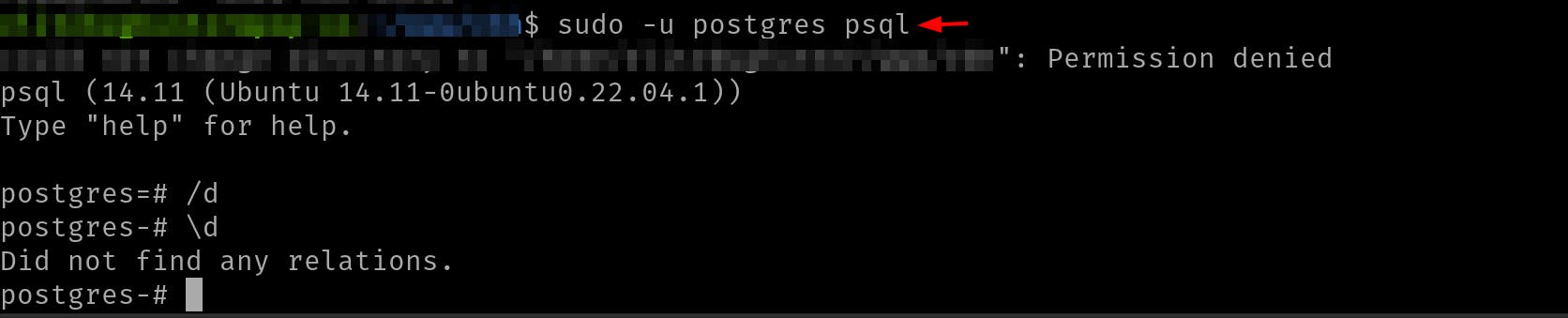
Connect to Postgresql
sudo -u postgres psql
postgres is the name of the user.
Change the password
ALTER USER postgres WITH PASSWORD 'postgres';
Output

'postgres' is the password.
Test the new password
psql -U postgres -h localhost
Output

Done
Celebrate

Reach me out
Final thoughts
Thank you for reading this article.
If you have any questions, thoughts, suggestions, or corrections, please share them with us.
We appreciate your feedback and look forward to hearing from you.
Feel free to suggest topics for future blog articles. Until next time!


