How to install the best screenshot software on Pop!_OS

I'm a passionate software developer.
Flameshot
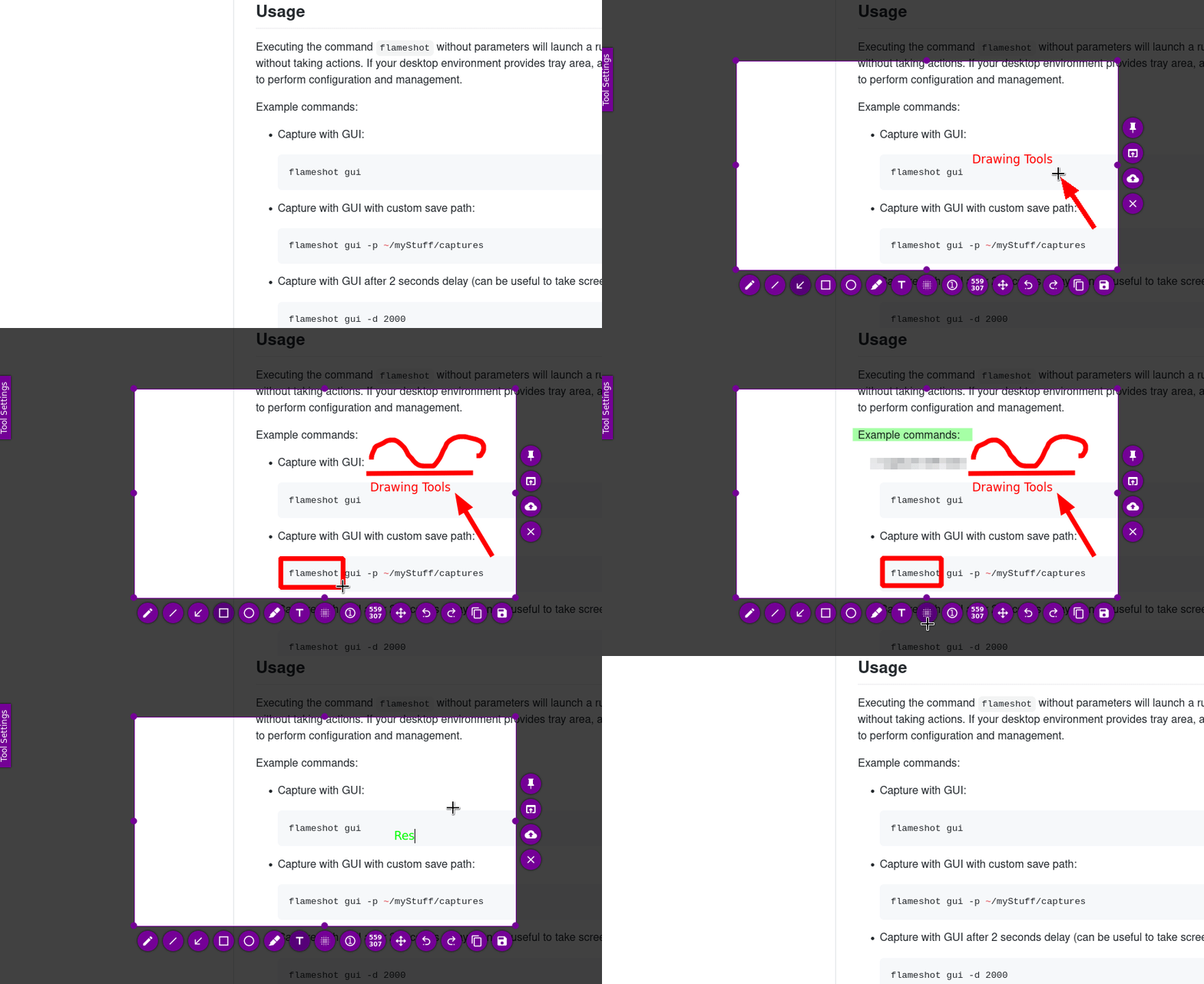
Flameshot is an open-source screenshot tool for Linux-based operating systems and Windows. It allows you to capture screenshots of your desktop, specific windows, or custom regions, and it provides various annotation and editing features to enhance your screenshots.
Flameshot is a popular choice among Linux users for taking and editing screenshots, and it provides a user-friendly interface for those who need basic screenshot capture and editing capabilities.
Let's get down to business
shall we?

Update the Package manager repository
sudo apt update
When you run "sudo apt update," you are essentially telling the system to refresh the local package index by fetching the latest information about available packages from the software repositories configured on your system.
This ensures that you have the most up-to-date information about available software packages before performing installations or upgrades. It doesn't upgrade the installed software; it only updates the local package database.
After running this command, you can use "sudo apt upgrade" to install the latest versions of the packages on your system.
Install
sudo apt install flameshot -y
Output

Check installation
Through version
flameshot --version
Executable file's location
which flameshot
The output of the "which" command helps you identify the location of the executable file, which is essential if you want to include the tool in scripts or if you need to reference its location for any other purpose.
Done
Celebrate
Way to go, guys. You did a great job. You can definitely celebrate!

Final thoughts
That's all for today. Thanks for reading this article.
I hope this article helped you. Let me know if you have any questions.
Your thoughts, suggestions and corrections are more than welcome.
By the way, feel free to drop your suggestions on new blog articles.
Hope to see you next time.


