How to install Telegram on Deepin OS 20.7 or any other Debian-based Linux distribution?

I'm a passionate software developer.
Search for a command to run...

I'm a passionate software developer.
Thanks for dropping by.
You can visit all my blog articles if you click on the following link: https://blog.alexandrecalaca.com/archive
Components Introduction In order to truly understand props in React, we first need to be clear on what components are. A component is a reusable piece of the user interface that encapsulates structure, styling, and behavior. Instead of repeating the ...

Introduction Context By default, Codespace is using the GITHUB_TOKEN env var (the “Codespaces token”), which can’t create repos. It’s necessary to authenticate gh with a token/account that has the right scopes, or create the repo on the web first. Ob...

Solution Here it is: git commit --allow-empty-message -m "" Explanation To create a Git commit without a message, or with an empty message, you can use the --allow-empty-message flag with the git commit command. git commit --allow-empty-message -m "...

Steps Cleanup phase This phase’s goal is to removes existing containers, volumes, networks and images Stop and remove volumes docker compose down --volumes --remove-orphans The previous command stops and removes containers, networks, and default volu...

Steps Stop the service It’s not mandatory, but before uninstalling, it's a good practice to stop any running Docker services. sudo systemctl stop docker Remove docker packages It’s used to completely and forcefully remove a list of specified packag...

Revisited and updated on November 04th, 2023.
Telegram is a cloud-based instant messaging app that allows users to send text messages, voice messages, multimedia files, and make voice and video calls over the internet.
It was developed by Pavel Durov and his team and was first launched in 2013.
Telegram is available as a mobile app for smartphones and tablets, as well as a desktop application for Windows, macOS, and Linux.
sudo apt update
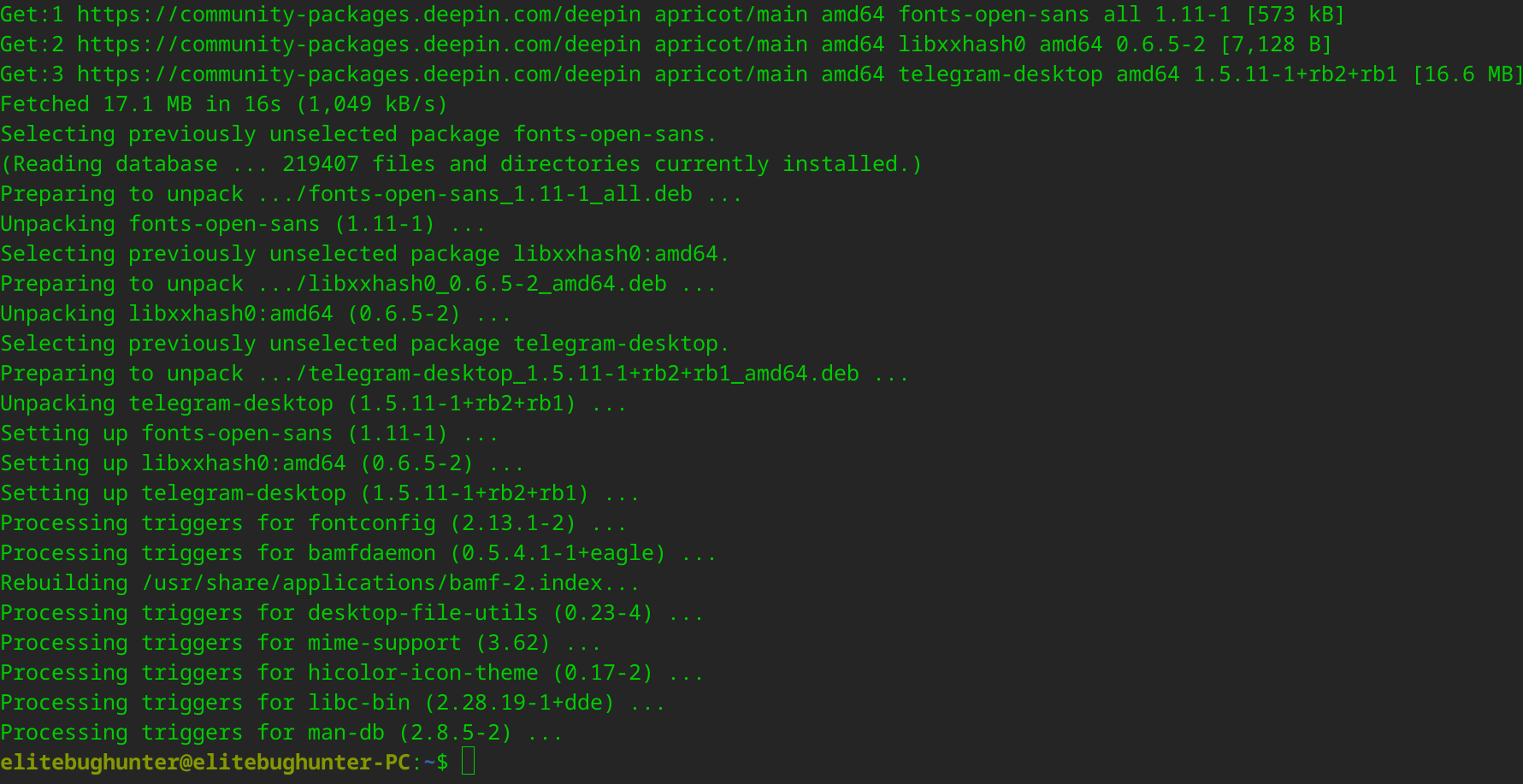
sudo apt install telegram-desktop -y
Output
In your terminal emulator:
telegram-desktop
You've made it!

I hope this article has been helpful to you. Please feel free to reach out if you have any questions. Your thoughts, suggestions, and corrections are more than welcome.
By the way, don't hesitate to drop your suggestions for new blog articles.
I look forward to seeing you next time.