How to install Flameshot app on Ubuntu?

I'm a passionate software developer.
Flameshot
Flameshop is a powerful yet simple to use screenshot software.
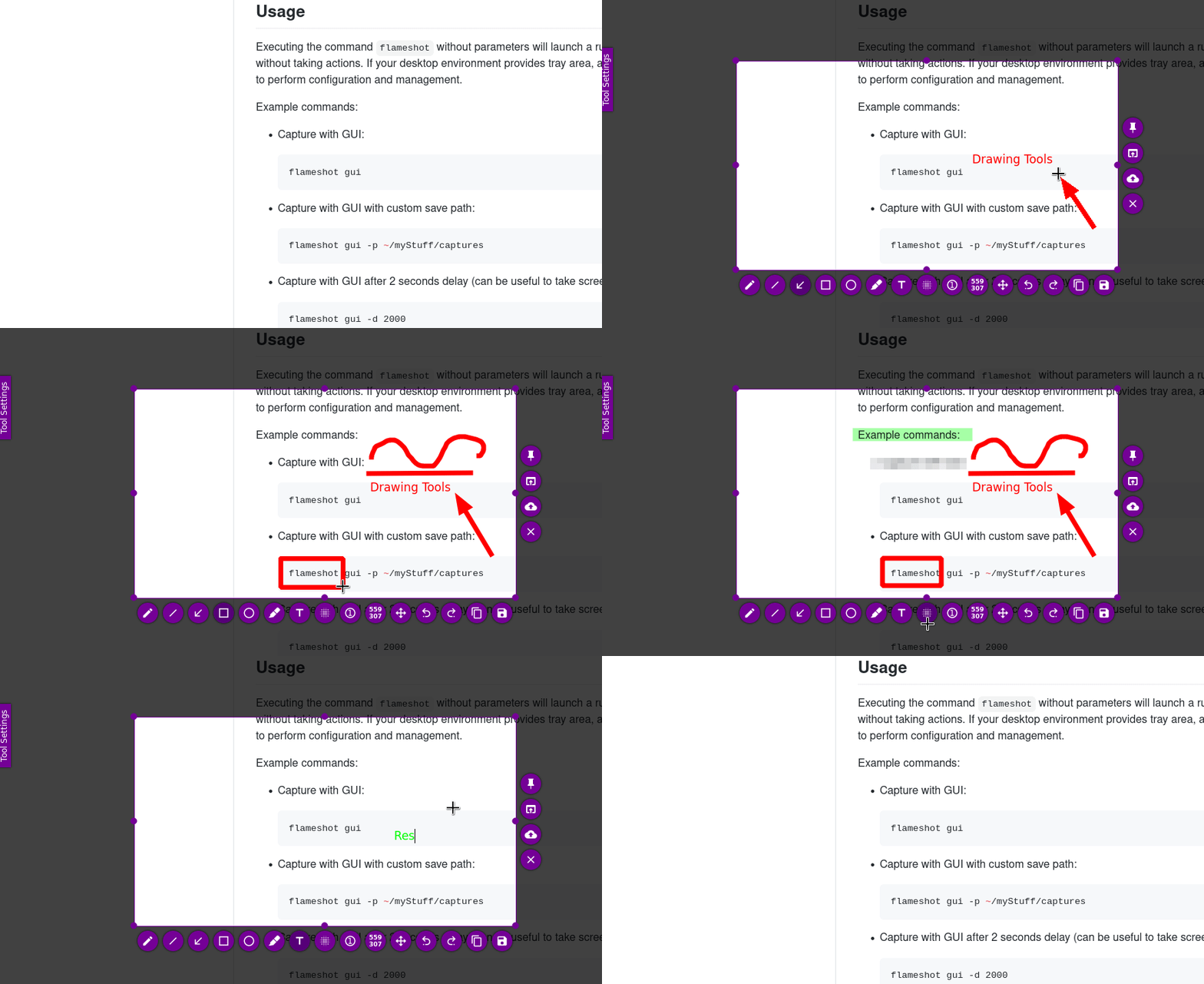
[Features:](https://github.com/flameshot-org/flameshot#features)
Customizable appearance;
Easy to use.
In-app screenshot editing.
DBus interface.
Upload to Imgur.
Installation
Open the terminal and run the following command:
sudo apt install flameshot
You should be able to see something like this

Check installation
There are severals to check your installation, the simplest way is to run the software.
Anyway, let me show you a couple of other ways
Check version
flameshot -v
You should be able to see something like this

Check path
In the terminal
which flameshot
You should be able to see something like this:

When you run the which command with a specific command or program name, it searches through the directories listed in the $PATH environment variable to find the location of the executable file associated with that command. It then displays the absolute path of the executable file on the terminal.
Run
In the terminal
flameshot
In your tray icon area, on your right side, You should be able to see something like this:

Celebrate

Let's connect
Final thoughts
I hope this article helped you. Let me know if you have any questions.
Your thoughts, suggestions and corrections are more than welcome.
By the way, feel free to drop your suggestions on new blog articles.
Hope to see you next time.


