How to install Flameshot app on Pop!_OS?

I'm a passionate software developer.
Introduction
Flameshot
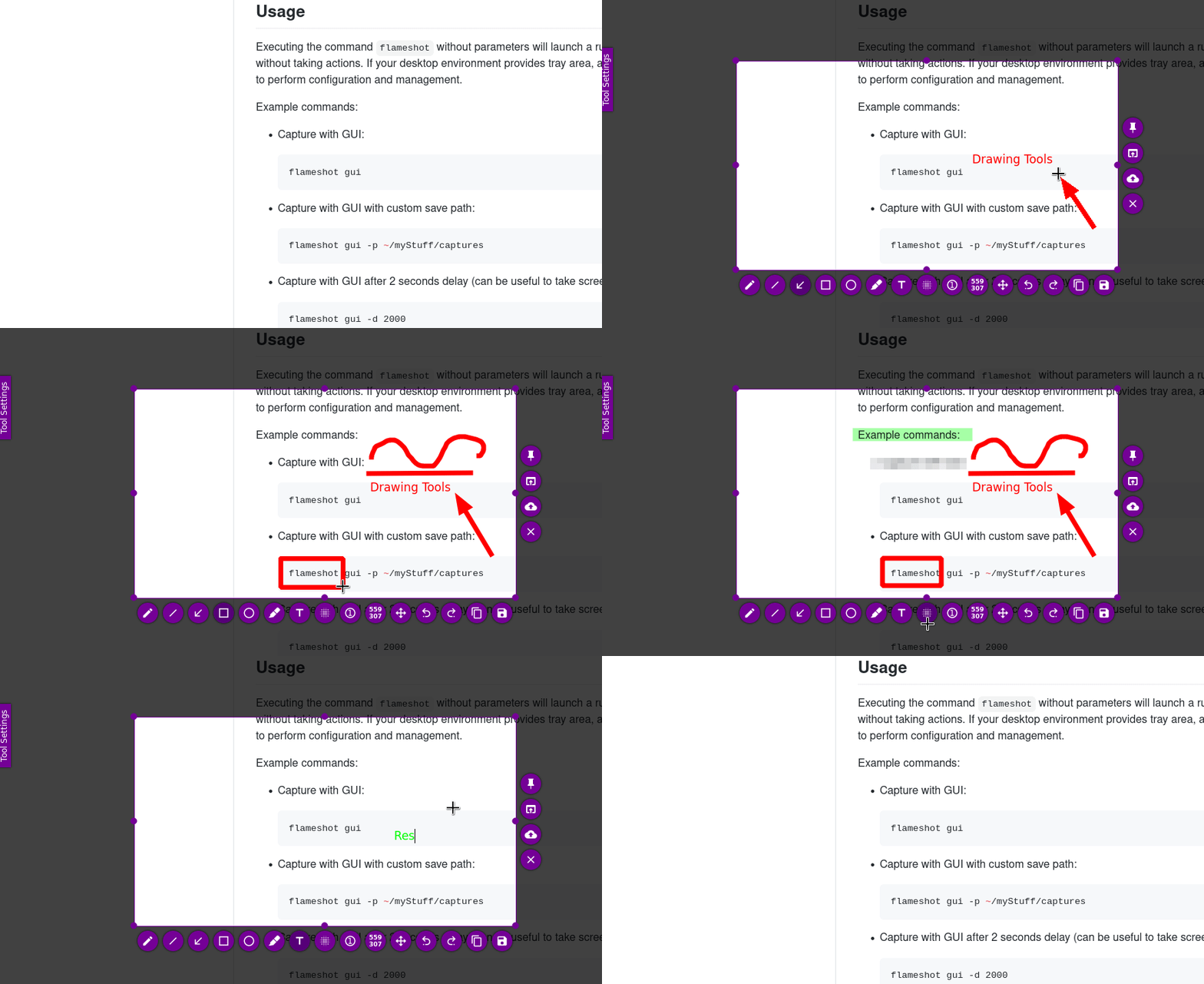
Flameshop is a powerful yet simple to use screenshot software.
Features
Customizable appearance;
Easy to use.
In-app screenshot editing.
DBus interface.
Pre-installation
Check your OS (optional)
This step is just to make sure you have Pop!_OS installed.
uname -a
hostnamectl
lsb_release -a
cat /etc/os-release
Output

Update packages info
sudo apt-get update
Running sudo apt-get update is an important step before installing or upgrading packages on your system because it ensures that you have the most up-to-date information about available packages.
Without updating the package index, you might not see the latest versions of software or be able to install new packages that have been added to the repositories since the last update.
Solution
Installation
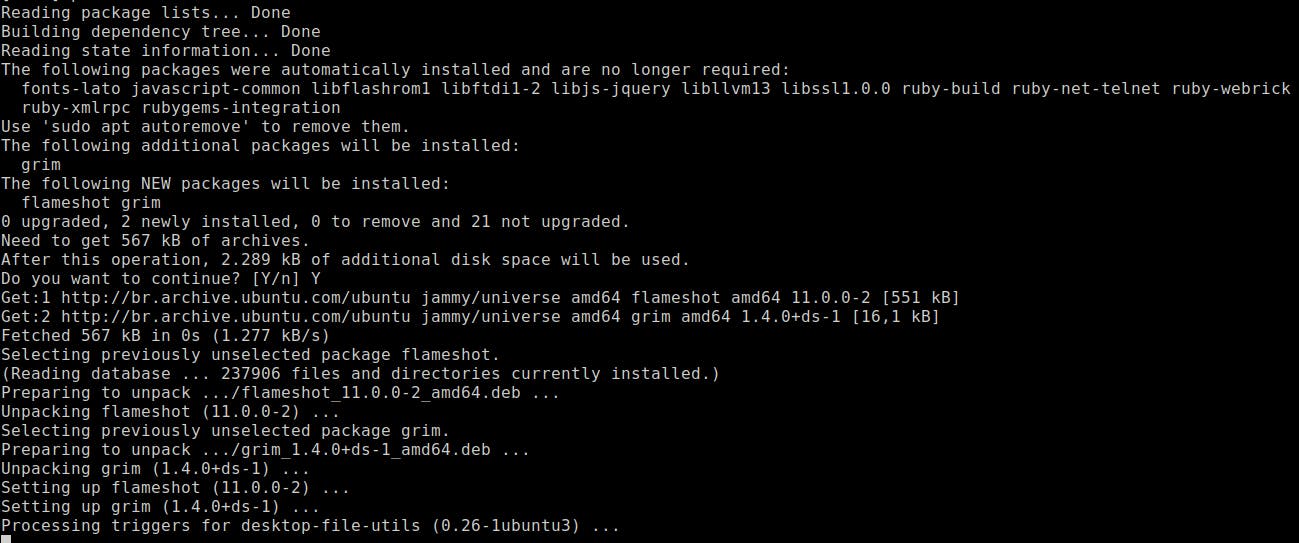
sudo apt-get install flameshot -y
You should be able to see something like the following
Double check
Let’s check if the installation was successful.
Path installation
which flameshot
Package installation
dpkg -l grep flameshot
Binary
which flameshot
Software’s help
flameshot --help
Run
In the terminal
flameshot
In your tray icon area, on your right side, You should be able to see something like this:


