How to install AWS CLI on PopOs
I'm a passionate software developer.
Access the website
Go to https://aws.amazon.com/cli/ or click here.
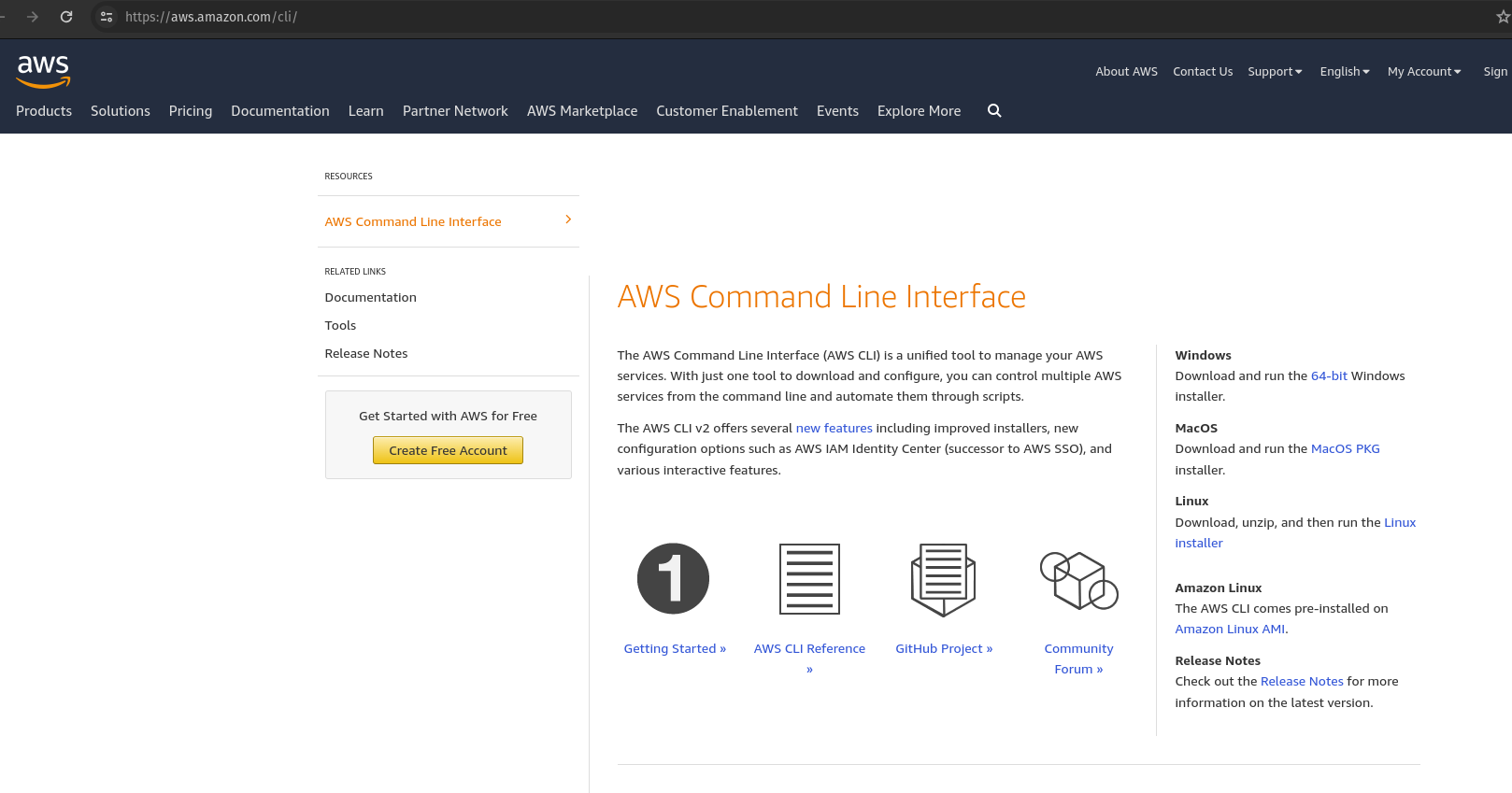
Download the Linux installer
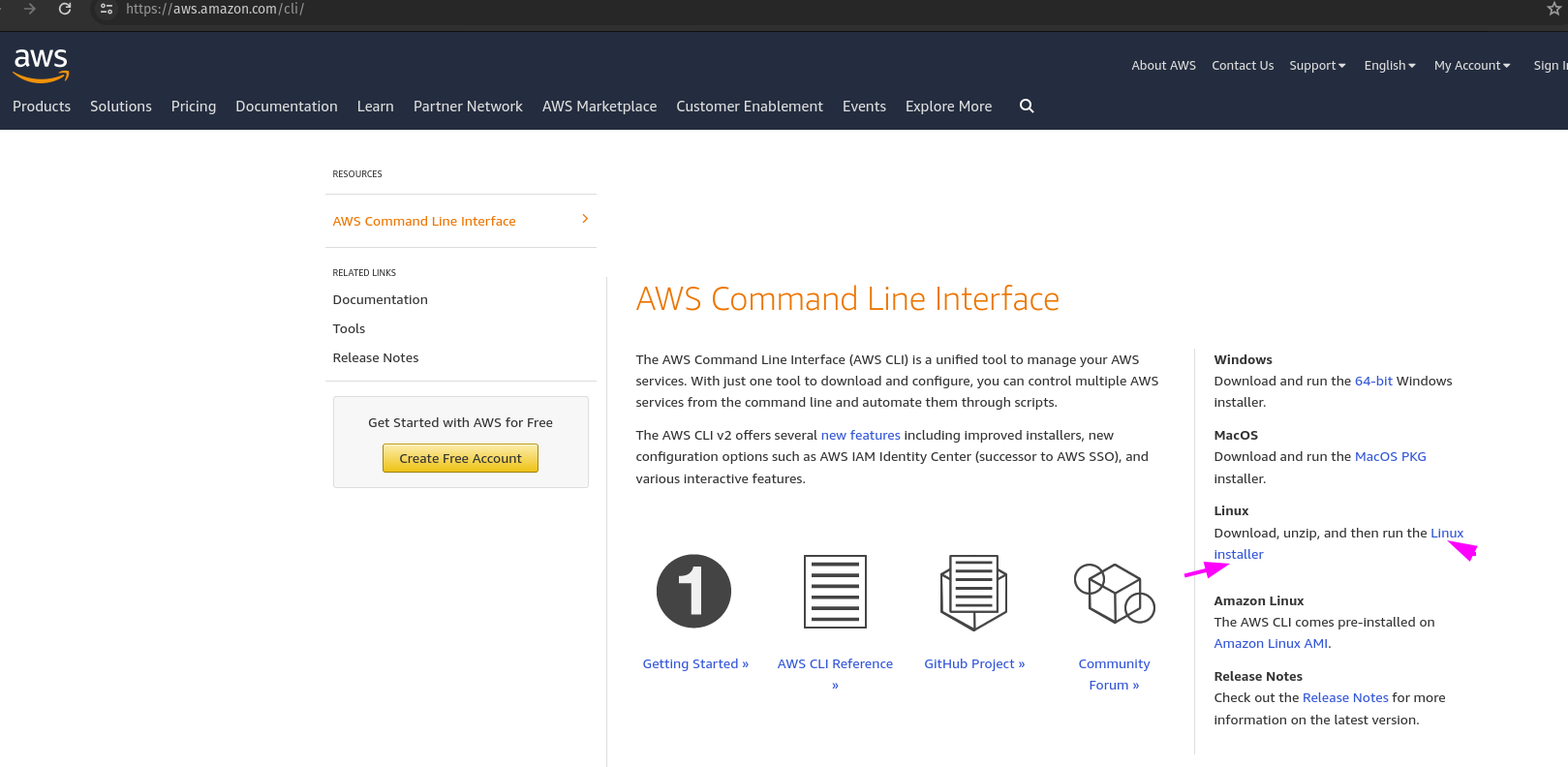
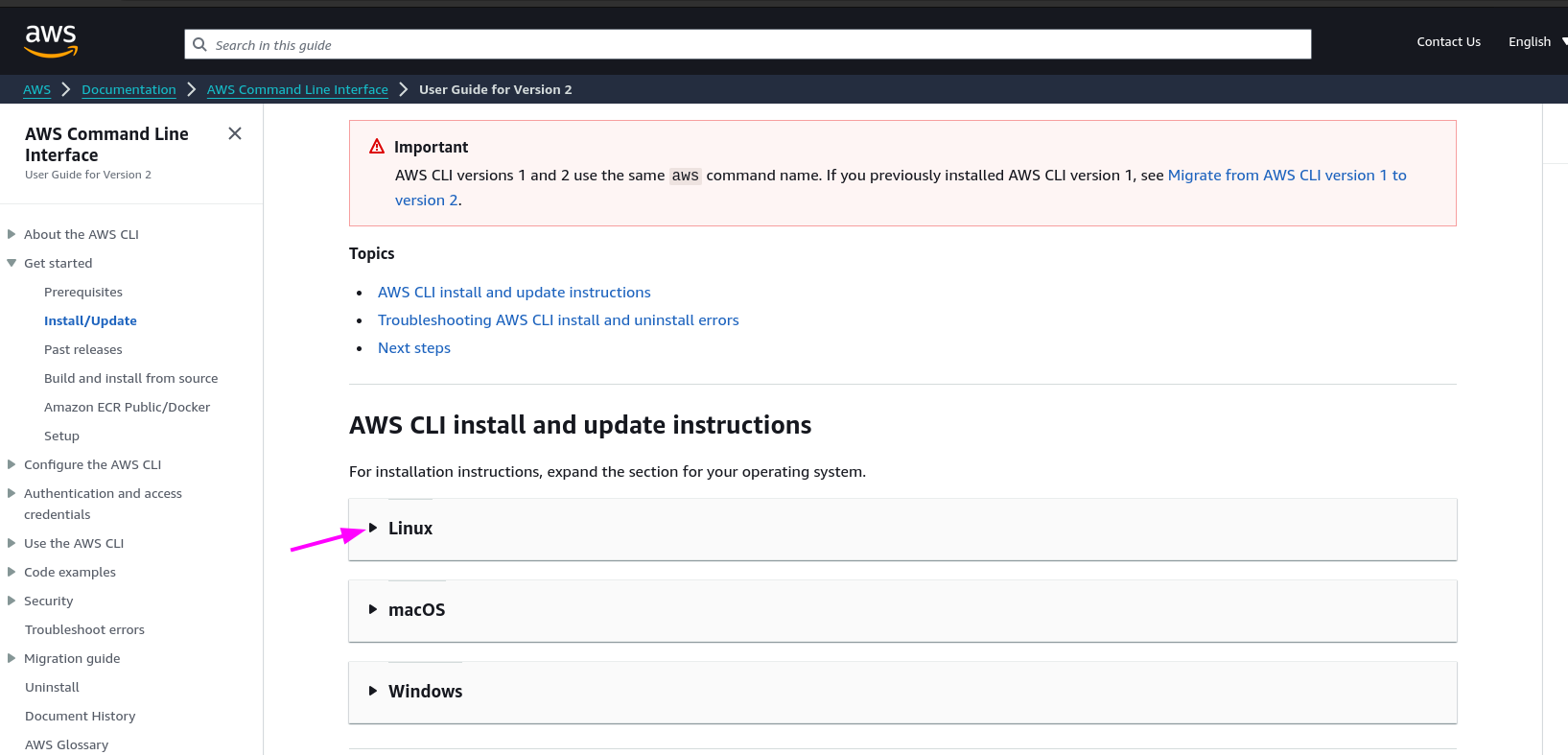
Another option is to click directly on this link: https://docs.aws.amazon.com/cli/latest/userguide/getting-started-install.html#cliv2-linux-install.
Choose Linux
Install
Execute the following command in a terminal:
curl "https://awscli.amazonaws.com/awscli-exe-linux-x86_64.zip" -o "awscliv2.zip"
unzip awscliv2.zip
sudo ./aws/install
These commands are used to download the AWS CLI executable for Linux, extract it from the downloaded ZIP file, and then install it using the provided installation script with elevated privileges.
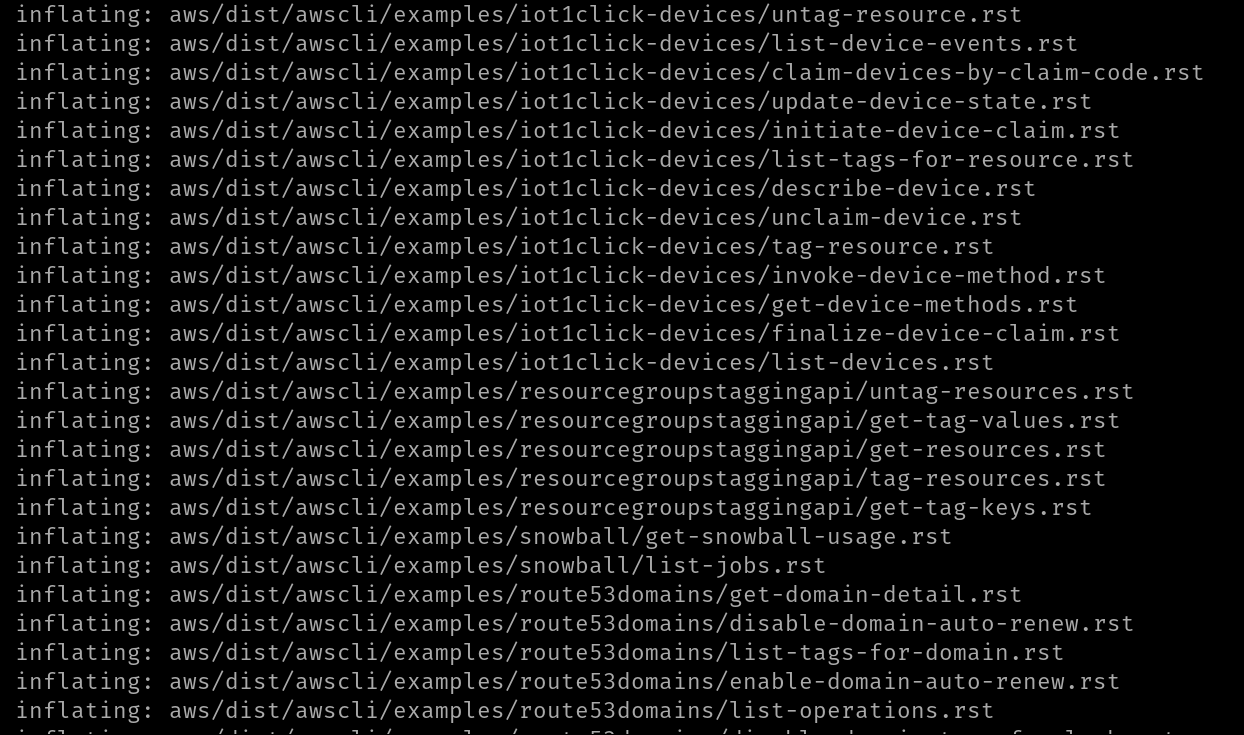
Installation in progress
Confirm installation
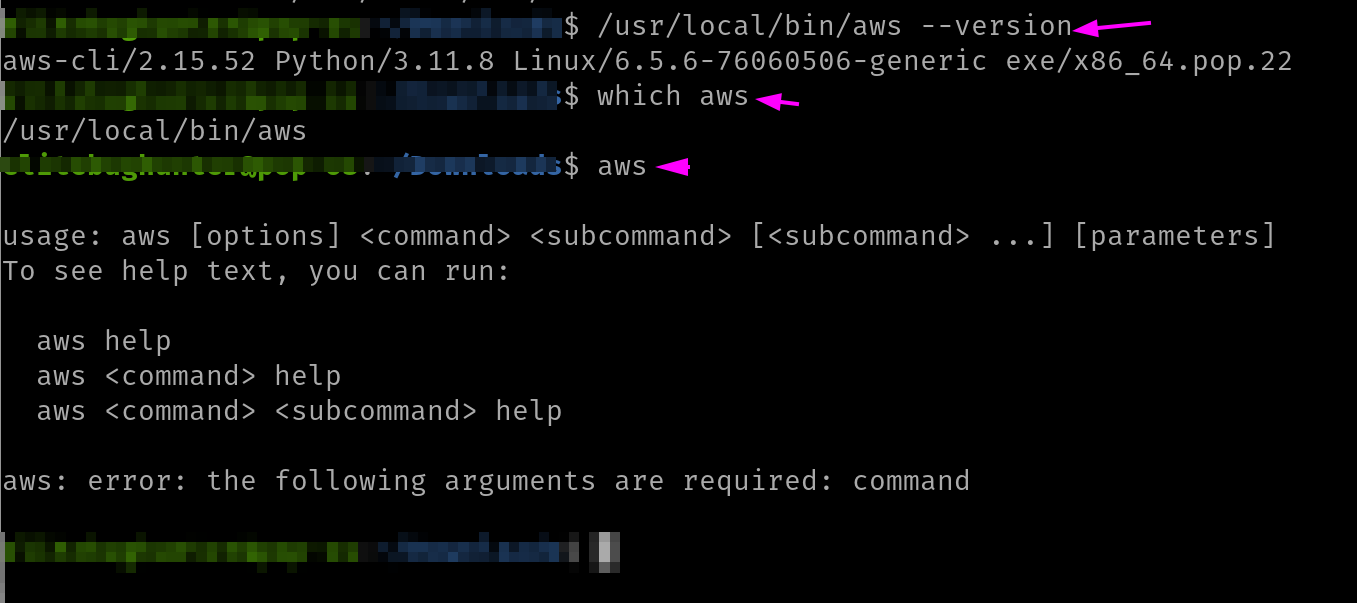
Version
/usr/local/bin/aws --version
Executable
which aws
Post-run after installation
aws
Done
Conclusion
By following these steps, you can easily visualize how the installation of AWS Cli works.
Celebrate

Reach me out
Final thoughts
Thank you for reading this article.
If you have any questions, thoughts, suggestions, or corrections, please share them with us.
We appreciate your feedback and look forward to hearing from you.
Feel free to suggest topics for future blog articles. Until next time!


