How to configure the AWS CLI Command Line Interface
I'm a passionate software developer.
AWS CLI
AWS CLI (Amazon Web Services Command Line Interface) is a unified tool provided by Amazon for managing AWS services from the command line.
It allows users to interact with various AWS services and resources directly through text-based commands, making it easier to automate tasks, script actions, and integrate AWS services into workflows.
Configure the AWS SSO
aws configure sso
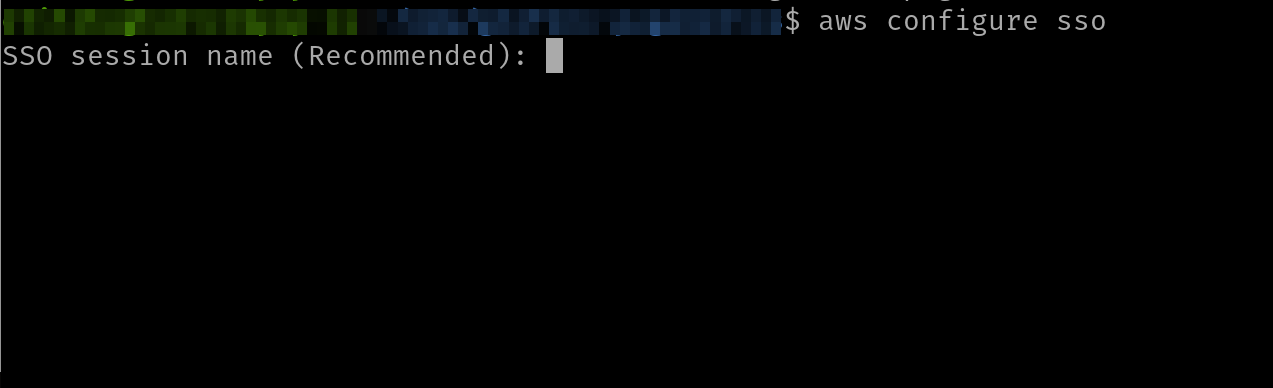
AWS SSO is a service provided by Amazon Web Services that makes it easy to centrally manage access to multiple AWS accounts and business applications and to provide users with single sign-on access to them.
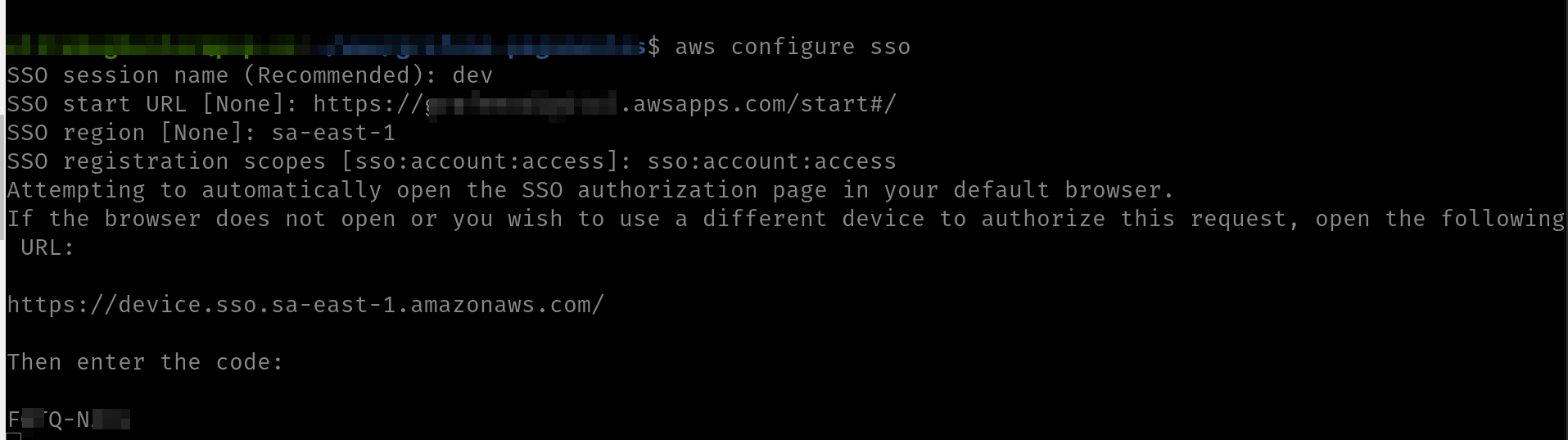
Provide a session name

Set the SSO start URL

The Single Sign-On (SSO) start URL is a specific URL provided by AWS Single Sign-On that directs users to the SSO login page or the SSO portal where they can sign in and access their assigned AWS accounts and applications.
This URL is unique to your AWS account and is generated by AWS SSO.
Choose a region

Scope

Authorize device
A web page is going to open.
In the terminal
In the browser
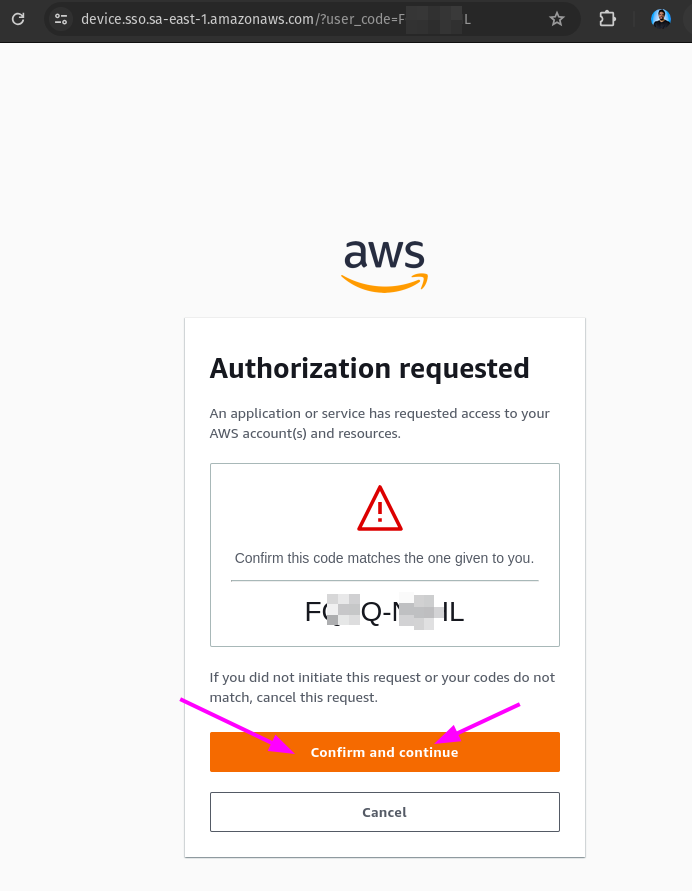
Allow boto-core-client-dev
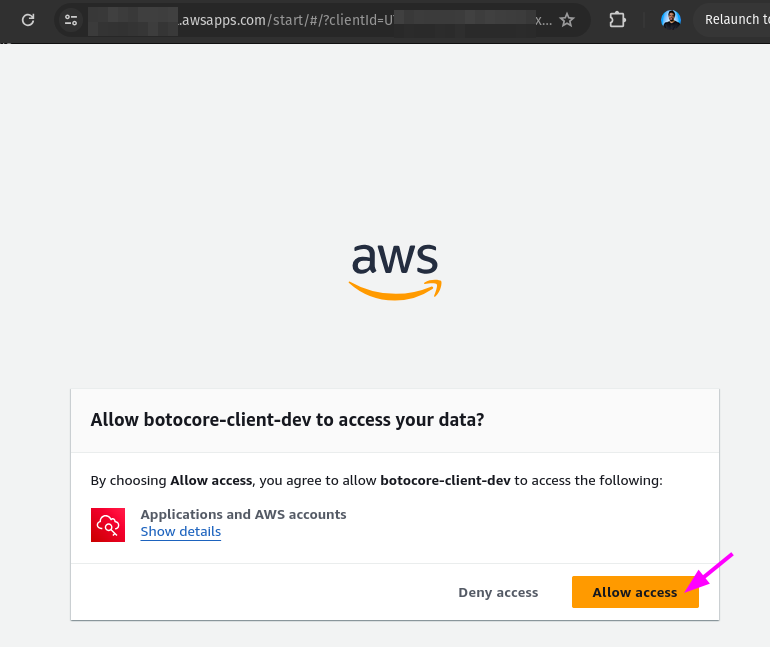
Botocore is the low-level library that powers the AWS CLI (Command Line Interface) and provides the foundation for the AWS SDKs (Software Development Kits) for Python.
It's responsible for handling the underlying communication with AWS services, such as sending requests and receiving responses.
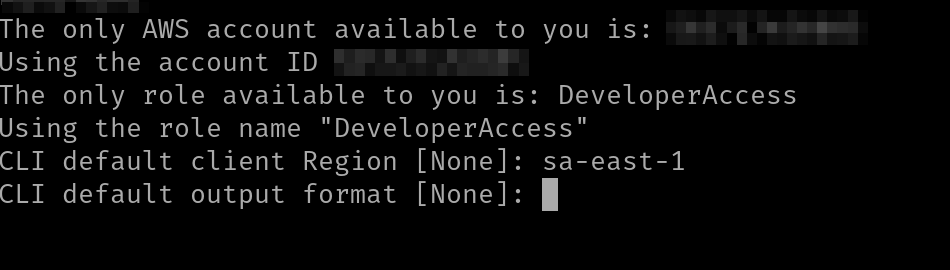
Set default client region
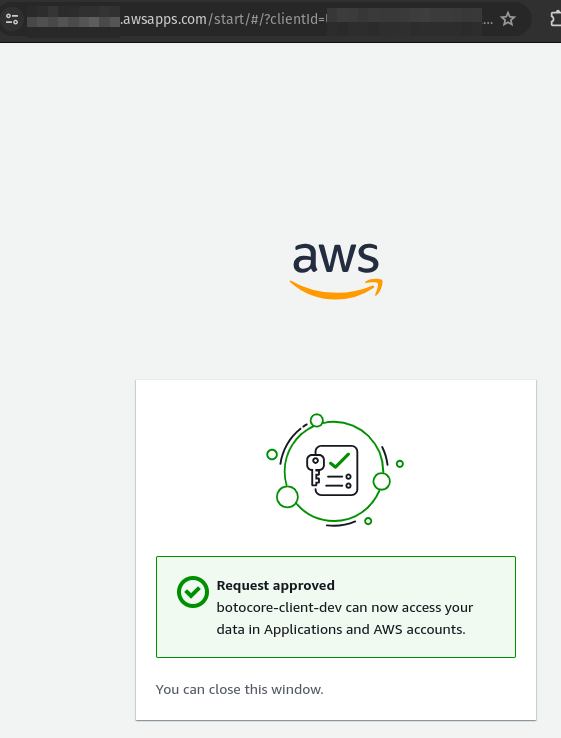
After the approval of botocore-client-dev
Come back to the terminal and set the default client region
Set CLI default output format
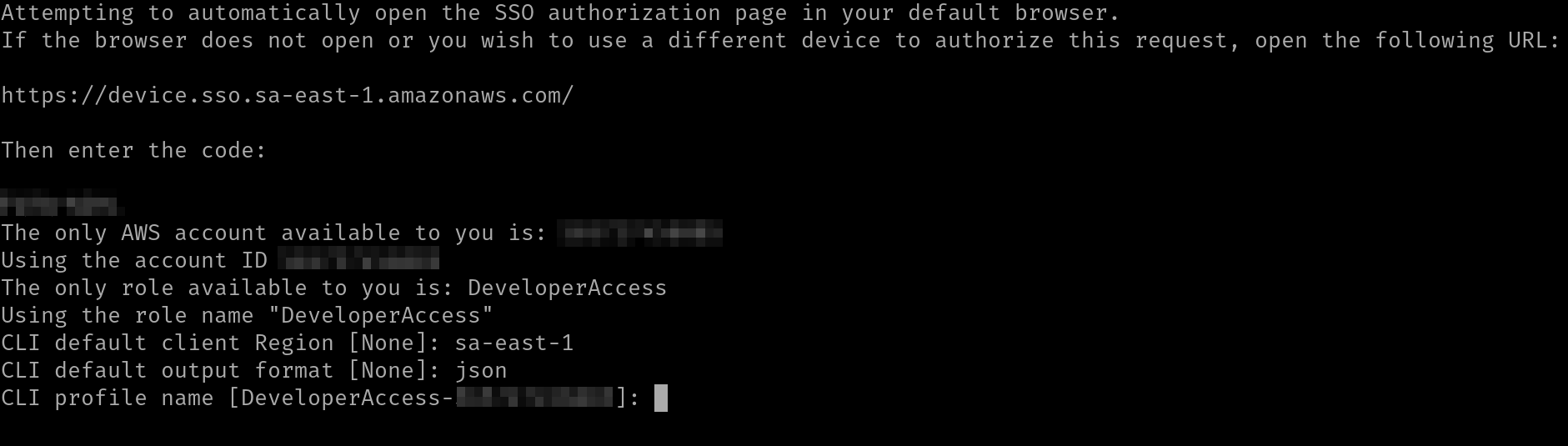
Check
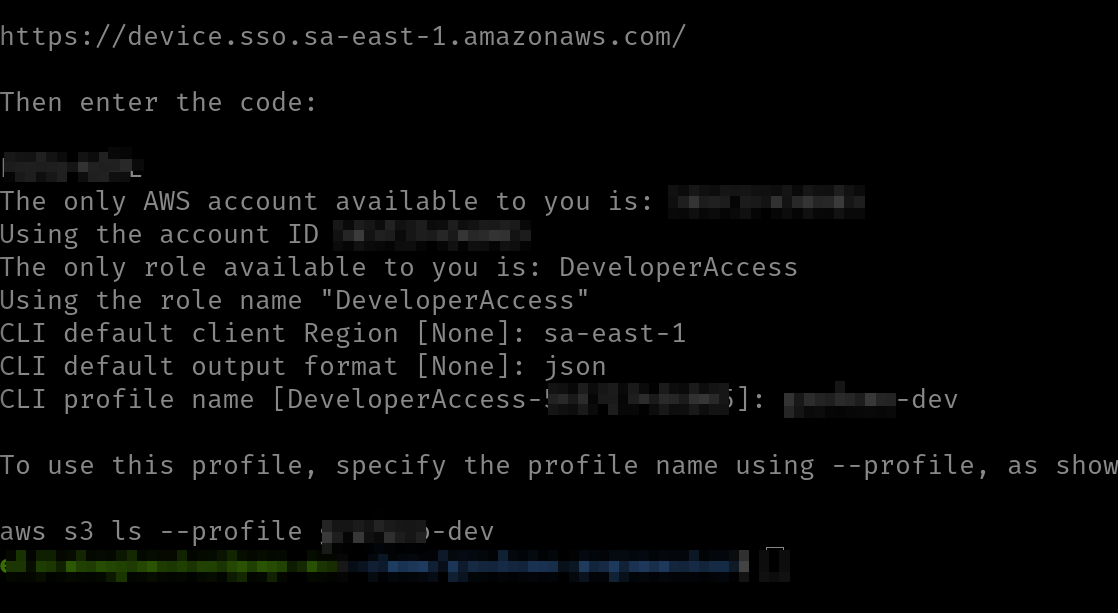
Visualize your profile
As soon as you hit enter after the last part, you'll see your profile.
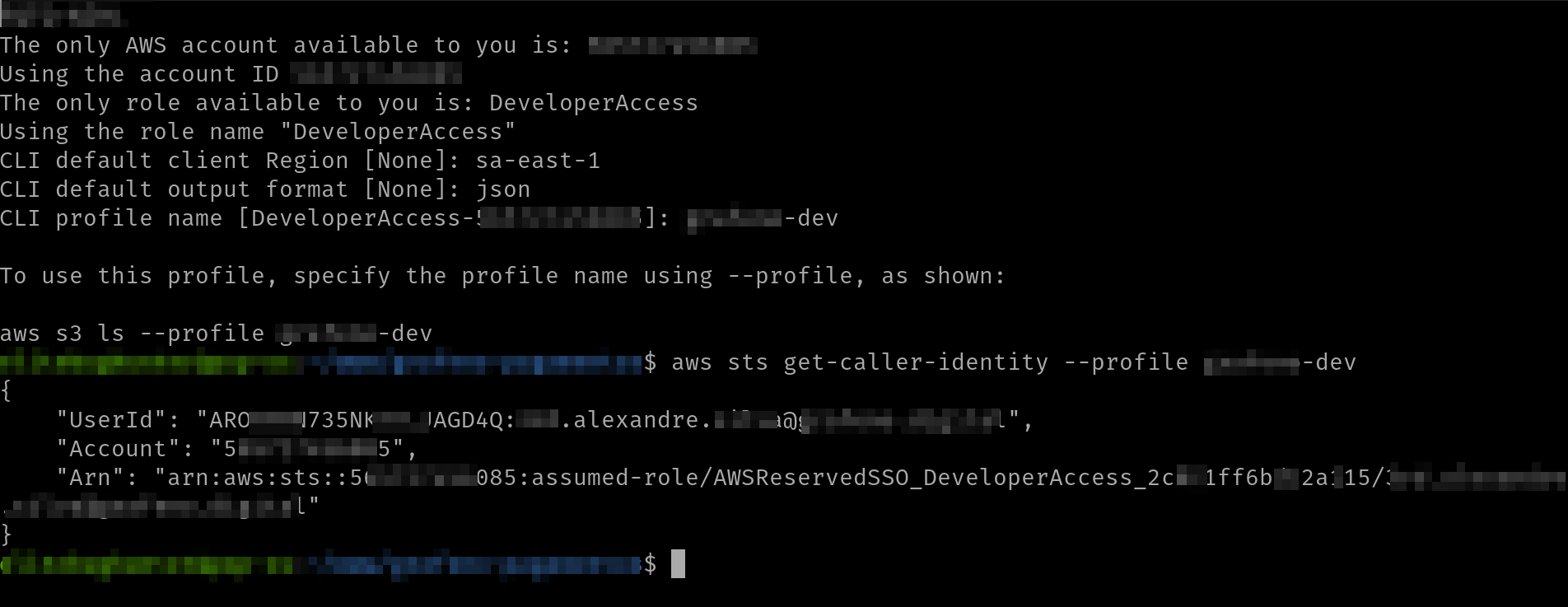
Test
aws sts get-caller-identity --profile your_profile_name
Done
Conclusion
By following these steps, you can easily set up your AWS command line interface.
Celebrate

Reach me out
Final thoughts
Thank you for reading this article.
If you have any questions, thoughts, suggestions, or corrections, please share them with us.
We appreciate your feedback and look forward to hearing from you.
Feel free to suggest topics for future blog articles. Until next time!


