How to change the port that Vite uses for the local development server

I'm a passionate software developer.
Vite
Vite is a build tool for modern web development that aims to provide a faster and more efficient development experience. It's specifically designed for building web applications using modern JavaScript frameworks such as React, Vue, and others. The name "Vite" is derived from the French word for "fast."
Let's get down to business
Shall we?

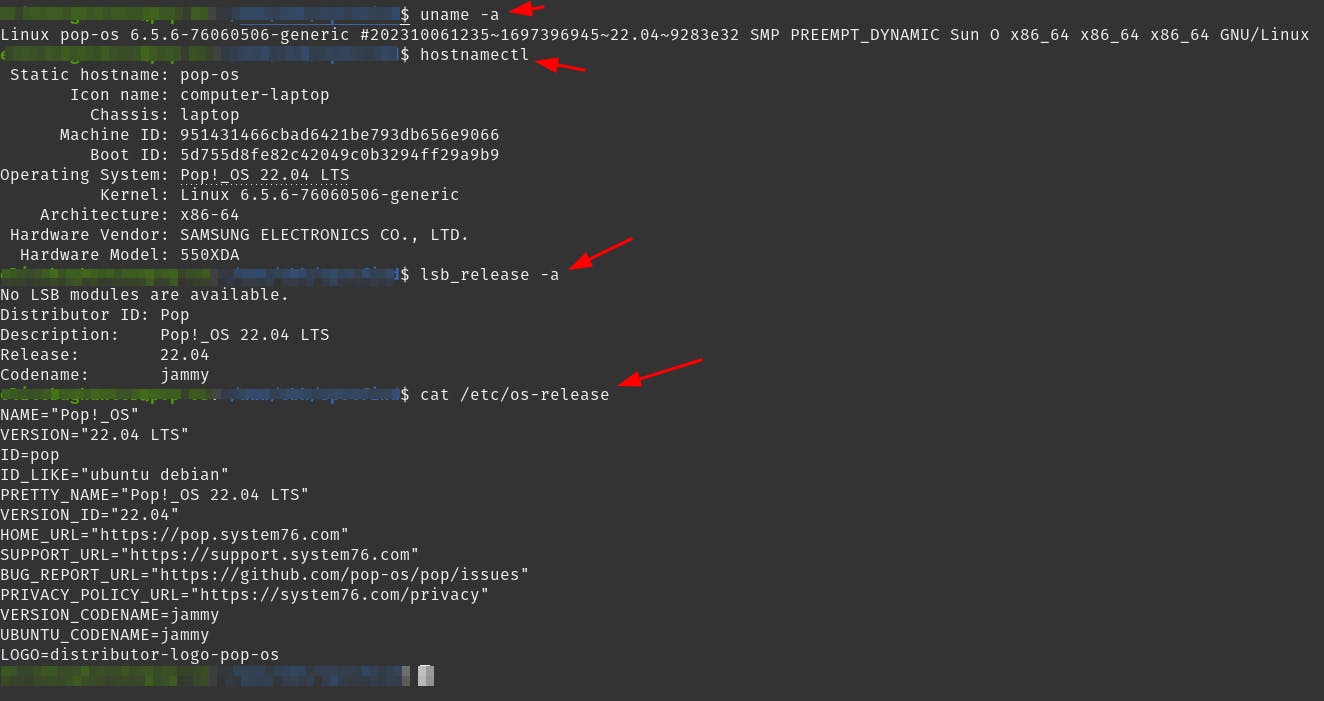
Check your OS (optional)
This step is just to make sure you have Pop!_OS installed.
uname -a
hostnamectl
lsb_release -a
cat /etc/os-release
Output
Change the flag
npm run dev --port 4000
Output

Change the scripts file
The file is in the root of the application, it's called package.json.
Add the following to the devsection:
vite --port 3002
Result

Output

Now, when you run npm run dev, Vite will use port 3002 for the local development server.
Done
Celebrate

Reach me out
Final thoughts
Thank you for reading this article.
If you have any questions, thoughts, suggestions, or corrections, please share them with us.
We appreciate your feedback and look forward to hearing from you.
Feel free to suggest topics for future blog articles. Until next time!


